
Table of Contents
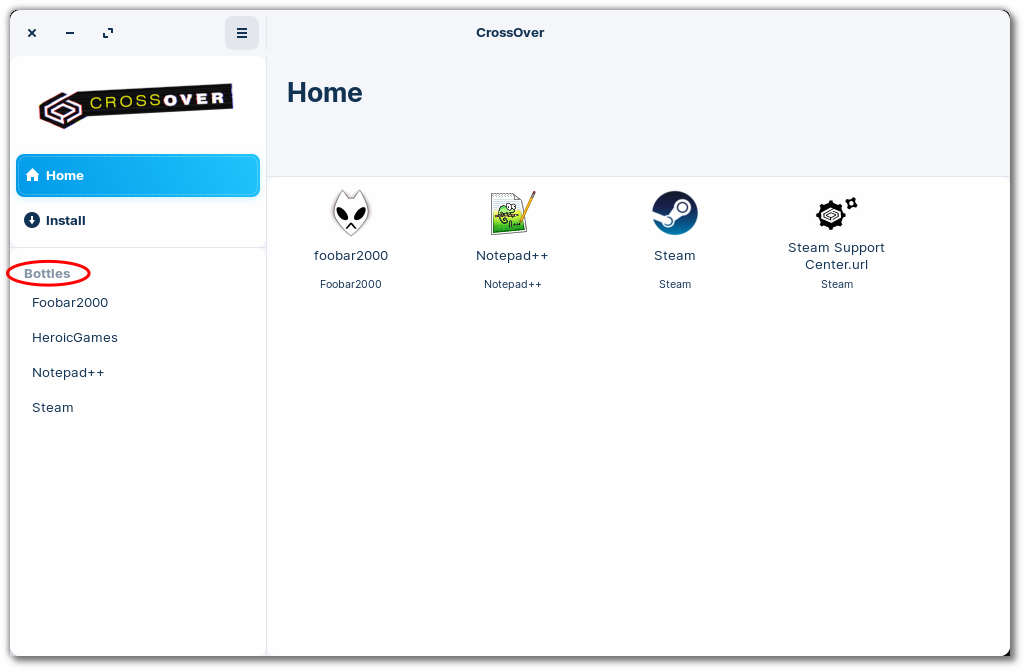
To access the program files for an installed windows application, first select the bottle from the Bottles list in the left sidebar.
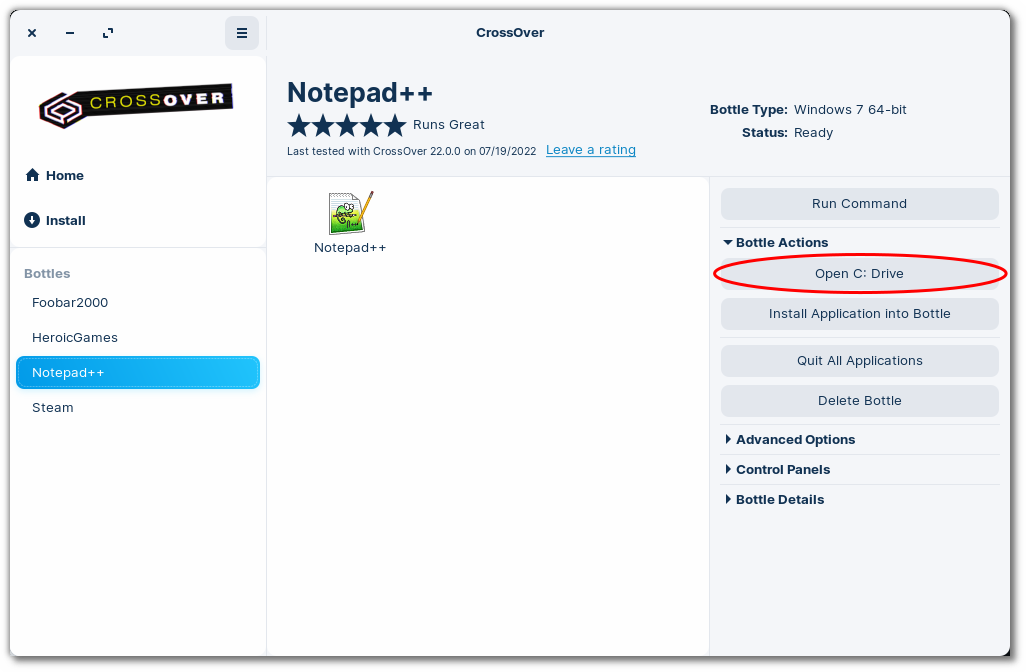
Next, expand the Advanced Options menu and click Open C: Drive.
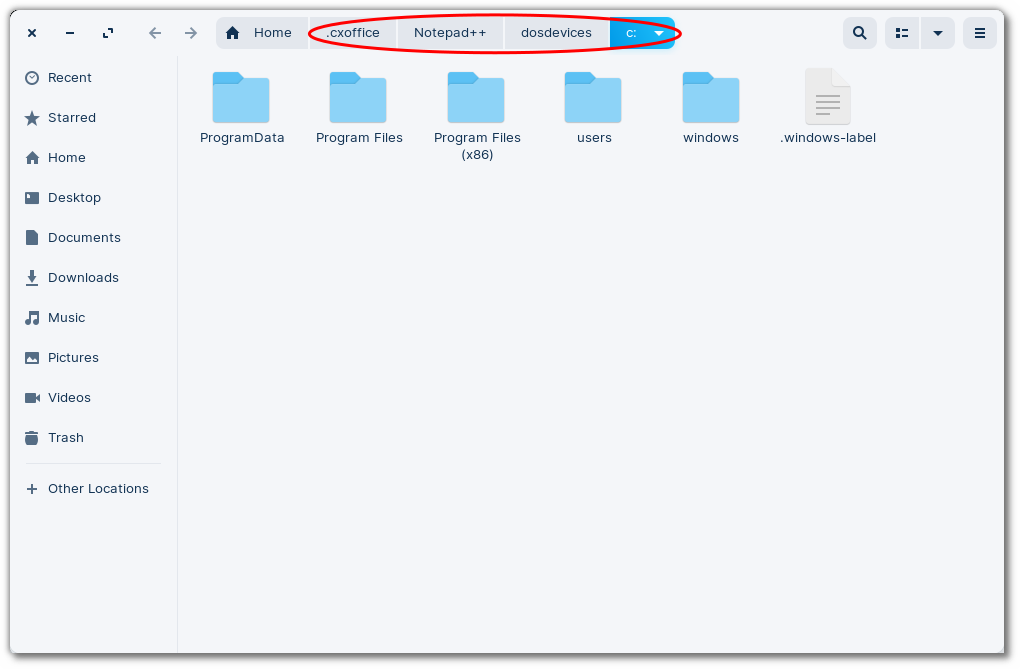
This opens the bottle's C: drive directory in your native desktop environment.
Other Articles
How to Enable DXVK
Launching a Windows .exe File
Editing Bottle Registry Keys
Clearing CrossOver's Installer Cache
Last modified on 2023-09-28 18:08:21 UTC by Andrew Balfour